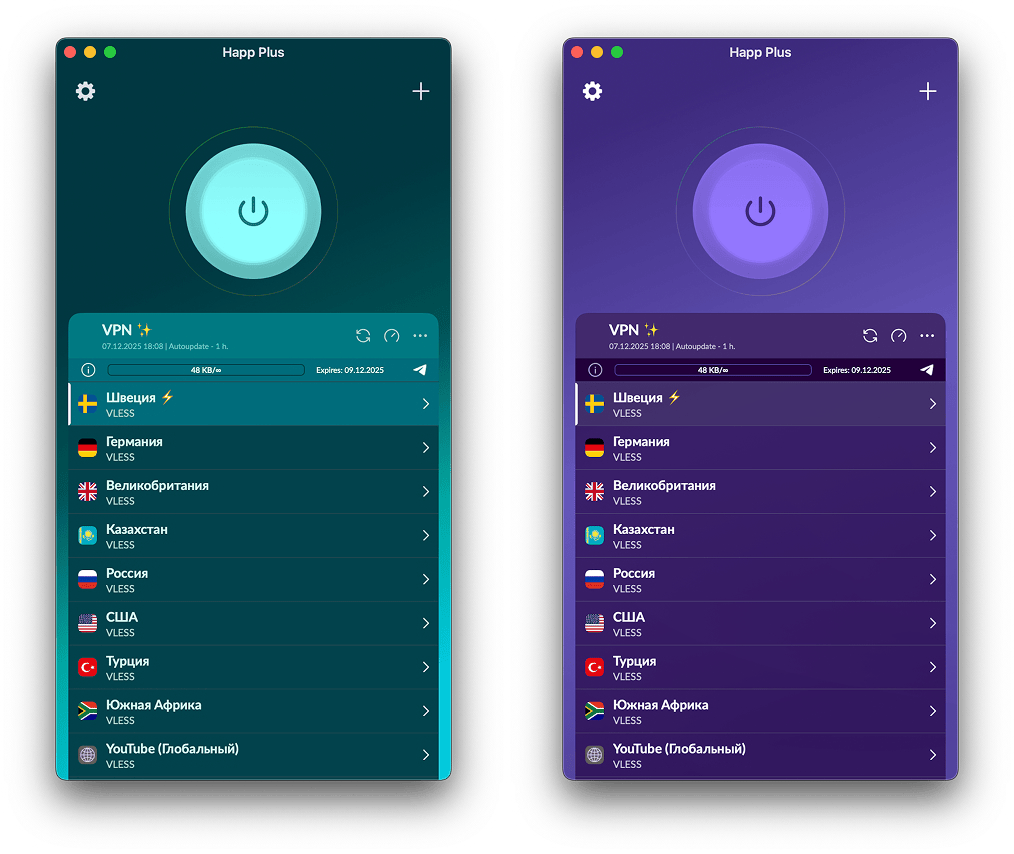
- Standard parameters that work for most panels.
- Advanced parameters for which you need to specify the Provider ID
true or 1; to disable it, pass any other non-empty value.
Standart Parameters
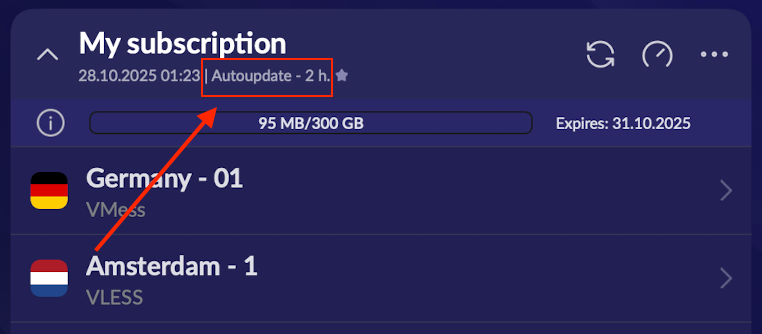
Subscription Auto-Update
Subscription Auto-Update
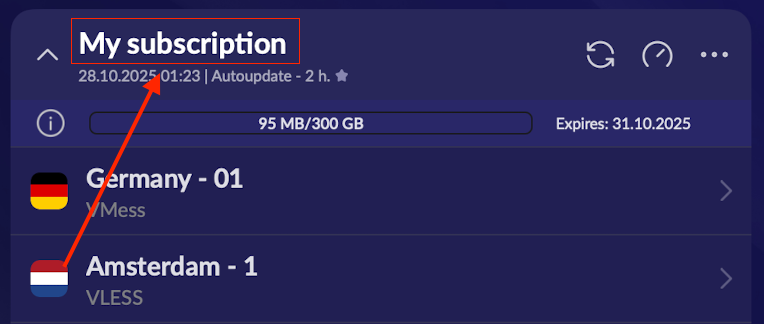
Subscription Name
Subscription Name
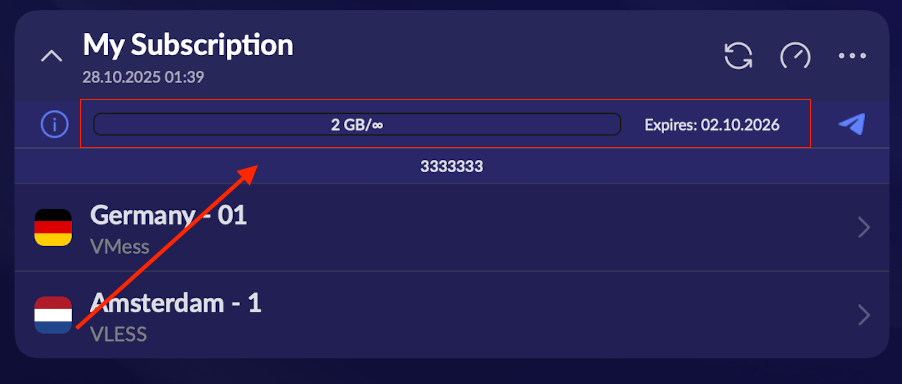
Subscription Status String (traffic, expiration date)
Subscription Status String (traffic, expiration date)
Support Page Link
Support Page Link
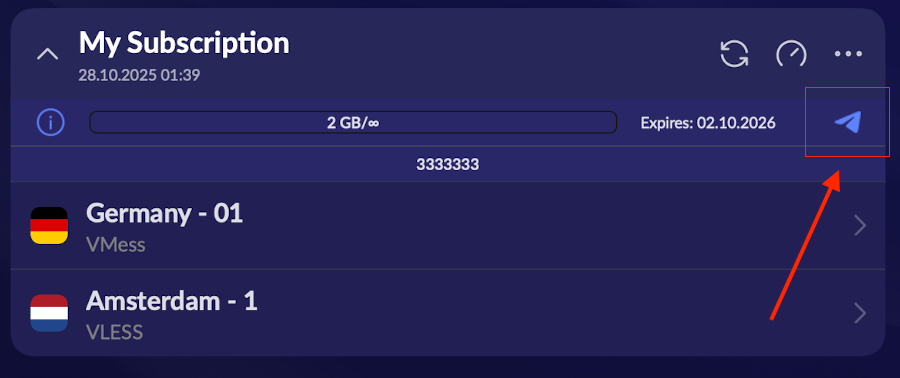
Website Link
Website Link
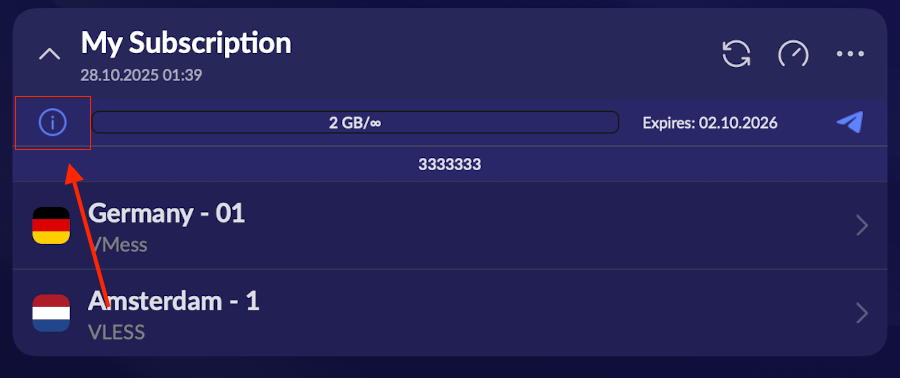
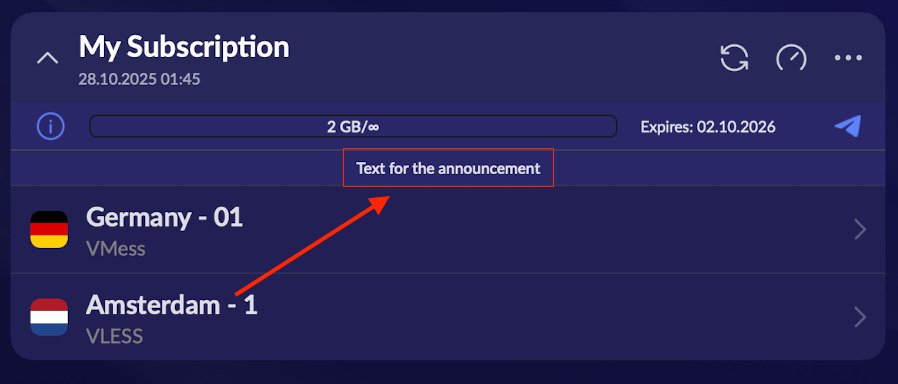
Announcement
Announcement
Disable Routing
Disable Routing
Tunnel Configuration (Desktop only)
Tunnel Configuration (Desktop only)
Advanced Parameters
Provider ID parameter is required!Change Subscription URL
Change Subscription URL
Change Subscription Domain
Change Subscription Domain
Server Description in Subscription
Server Description in Subscription
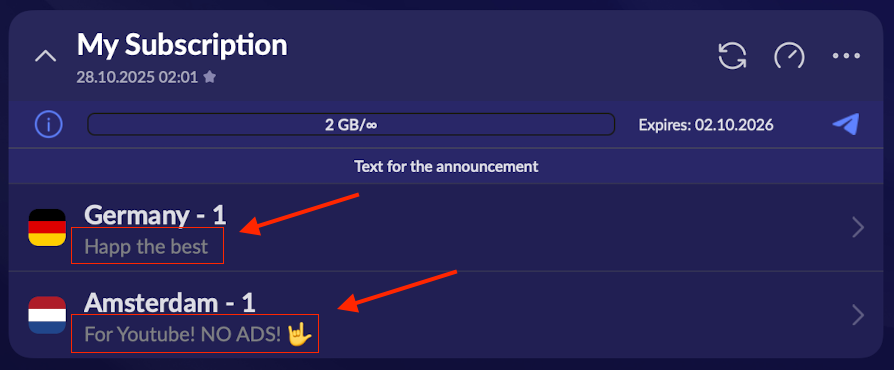
- Maximum length — 30 characters.
- If it doesn’t fit on the screen, it will be shortened with an ellipsis.
- Set after
titlevia the?separator.
Subscription Fragmentation and Fronting
Subscription Fragmentation and Fronting
visa.com and Host header my-domain.com, the provider will only see a request to visa.com. You can also access your domain for the server list using packet fragmentation in SNI TLSHello. By default, fragmentation is enabled for all subscriptions. The user can add the subscription only once; on repeat attempts, if the account is not premium, the update will not be allowed.URL Scheme with Parameters[length], [interval] and [packets].For fronting, specify the URL with the domain used for connection first, […]Advanced fragmentation
Advanced fragmentation
Non-disableable HWID
Non-disableable HWID
Subscription Expiration Notification
Subscription Expiration Notification
Hide Server Settings in Subscription
Hide Server Settings in Subscription
Domain Resolving
Domain Resolving
Application Settings Management
Provider ID parameter is required!Auto Connect
Auto Connect
Auto Ping
Auto Ping
Auto-Update Subscriptions
Auto-Update Subscriptions
Fragmentation
Fragmentation
Ping
Ping
User-Agent
User-Agent
App Auto-Start
App Auto-Start
Update Subscriptions When App Launches
Update Subscriptions When App Launches
App-specific Proxy (Android)
App-specific Proxy (Android)
Packet Analysis (Sniffing)
Packet Analysis (Sniffing)
Disable Subscription Collapse
Disable Subscription Collapse
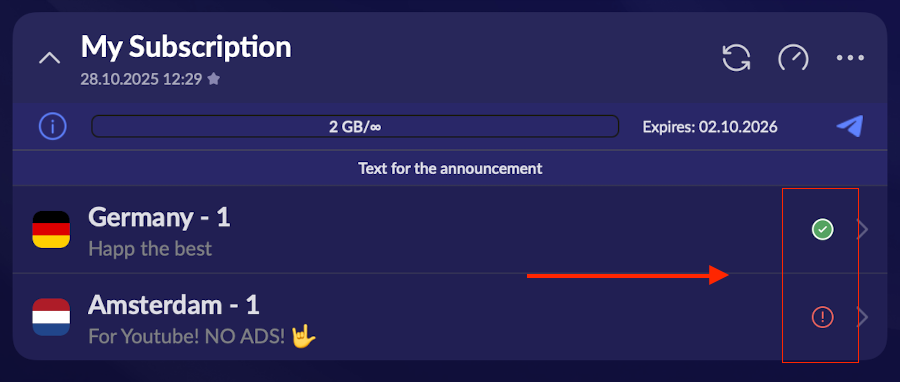
Ping Display Mode
Ping Display Mode
Mux
Mux
Proxy / TUN Mode (Desktop only)
Proxy / TUN Mode (Desktop only)
TUN Mode (Desktop only)
TUN Mode (Desktop only)
system— Uses OS system network stack. Fast and efficient, but depends on properly set routes and firewall.gvisor— Userspace gVisor stack. Less dependent on kernel rules and iptables/nftables/Docker conflicts, better isolation; might have slightly lower performance.
Tunnel Core Selection (Desktop only)
Tunnel Core Selection (Desktop only)
Exclude routes
Exclude routes
Themes (only for iOS)
Themes (only for iOS)