

happ-proxy.com website, you specify your subscription URL, set the maximum number of devices, and click “Generate link.” The resulting link can be shared with a user, and you can be confident that the subscription can only be installed on the specified number of devices — exceeding the limit is impossible.
You can create limited links both through the web interface and via API.
Creating via Website
- On the creation page, specify the unencrypted URL of your subscription.
- Set the installation limit (maximum number of devices).
- After generation:
- The InstallID parameter is automatically added to the URL.
- The link domain is stored in the database as a SHA-256 hash (raw domains are not stored to enhance security).
- — your provider code (in your profile)
- — authorization key (in your profile)
- — maximum number of devices
-
Success
-
Error
-
Original URL:
-
Final link:
Tip: Encrypt the link so users cannot remove the InstallID parameter.How It Works When adding a link, the application calculates the SHA-256 hash of the domain and sends a request to:
ProviderID and link status.
If the request fails to send (e.g., due to website blocking), the application will automatically retry after establishing a VPN connection.
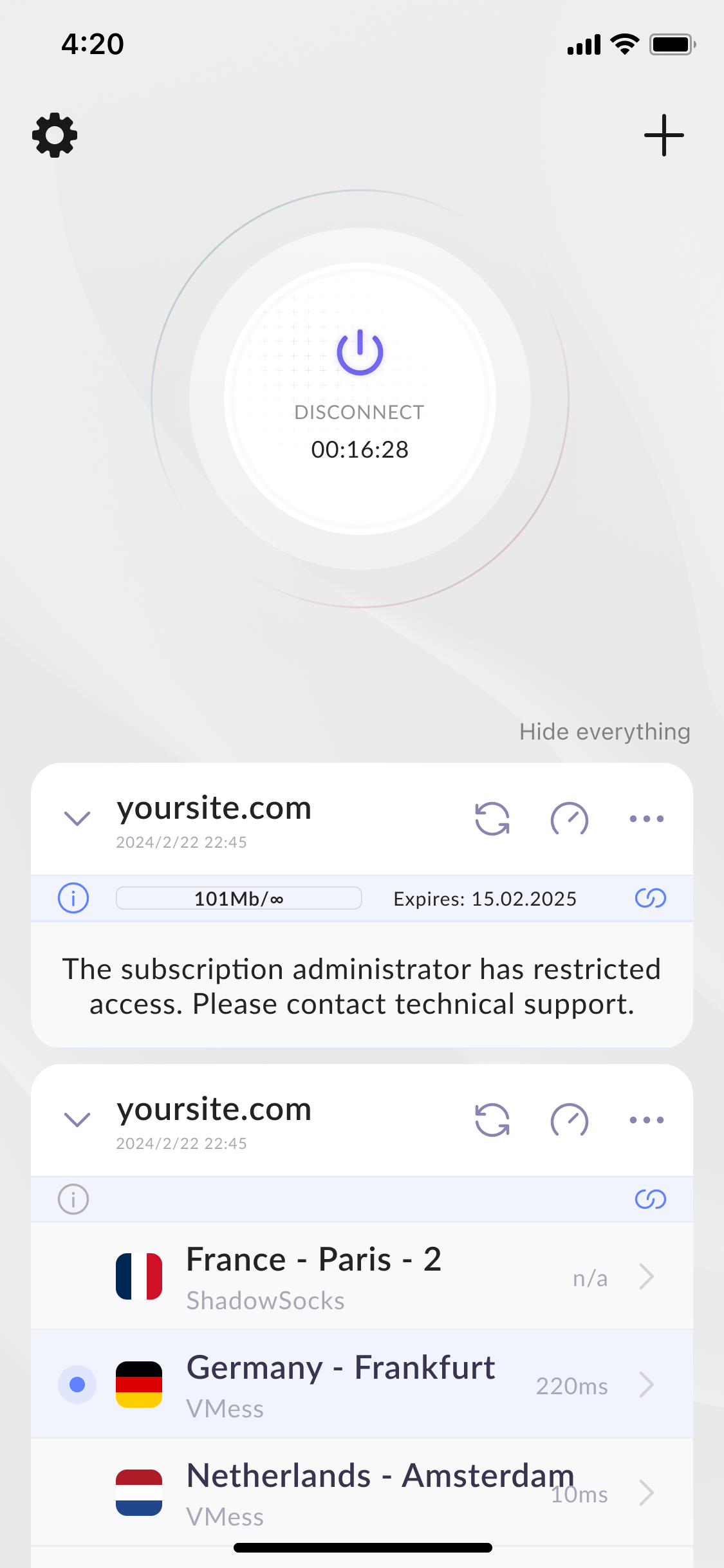
The happ-proxy.com server receives the device’s HWID and responds positively if the installation limit for the link has not been exceeded. If the limit is exceeded, the server returns a refusal and the application displays the message: &#xNAN;“The subscription administrator has restricted access. Please contact technical support.”